Clean Uninstall Process for Command Station
Software
-
1. Must be logged in to the Windows PC with Administrator privileges
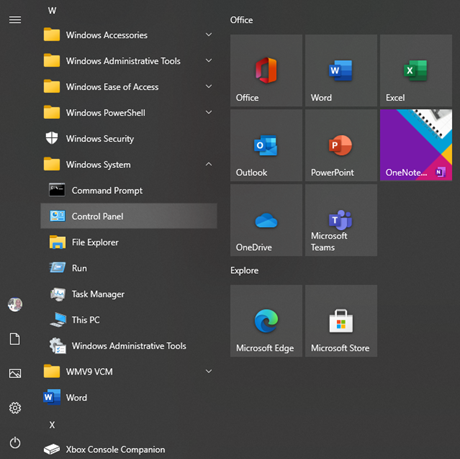
2. Open the "Windows System" folder in the start menu and select
"Control Panel"
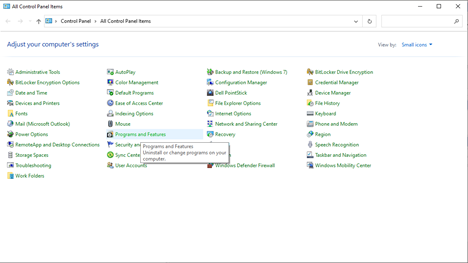
3. After "Control Panel" is opened select "Programs and
Features"
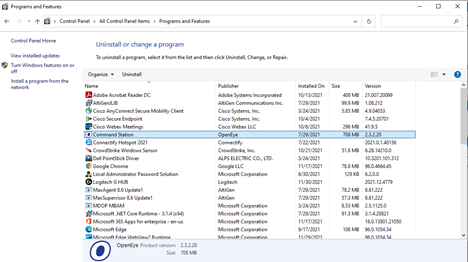
4. Now select the "Command Station" program from the list of installed
programs by double clicking on the left mouse button while hovering the cursor
over the icon
5) Select yes when the option to allow the program to make changes option
appears on screen
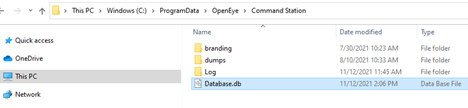
6) Now open the file browser and navigate to "This PC/Windows
(C:)/ProgramData/OpenEye/Command Station" & delete the file
"Database.db" if you intend to do a "Clean" install
of Command Station software. If uninstalling completely, delete the
"Command Station" folder